CollegeNET Case Study
At CollegeNET I worked on everything from building an application system from scratch to redesigning older legacy systems. This case study is one of many, but it shows how I work.
The Problem
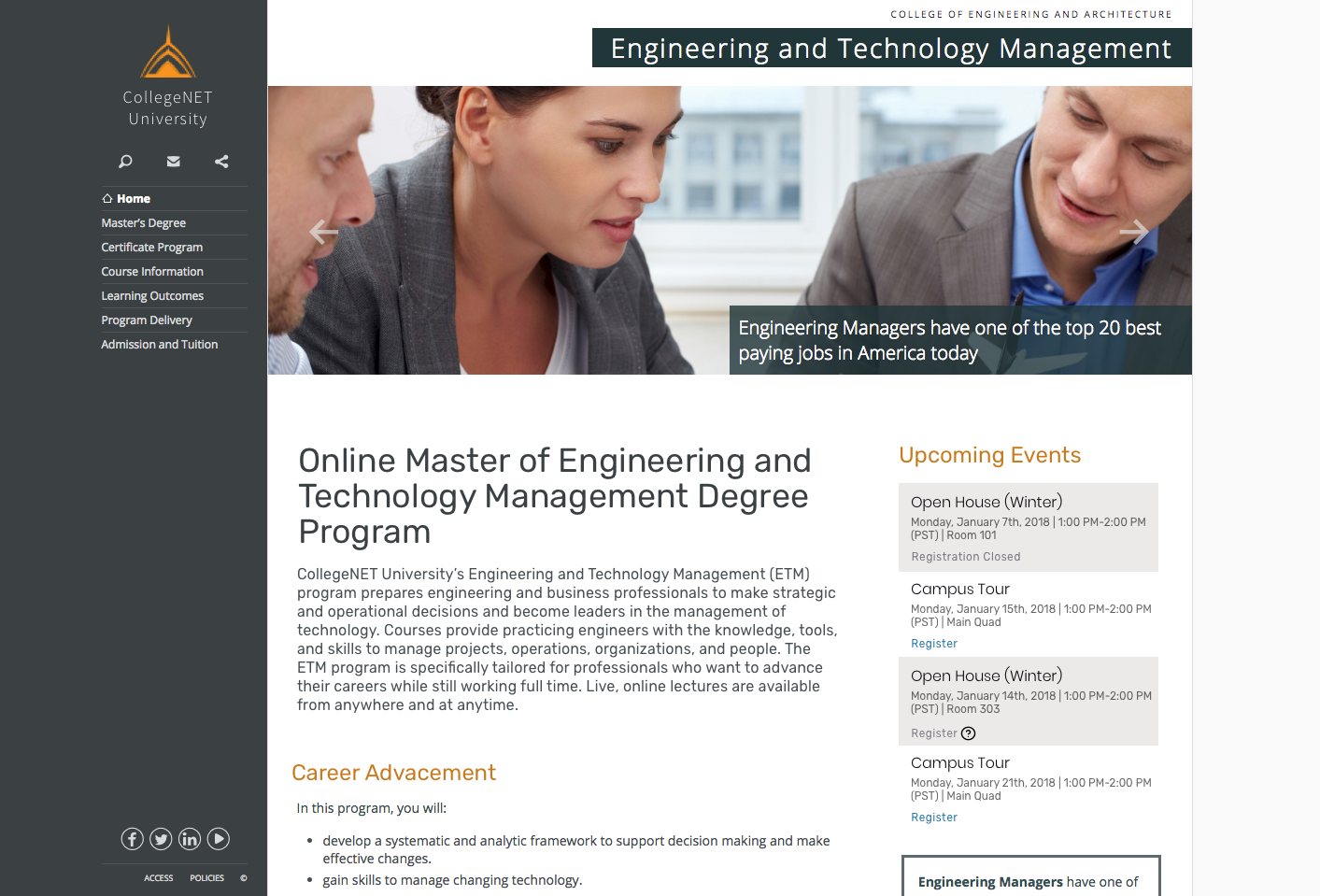
College administrators needed to create campus events that fed back into a student’s record, instead of juggling separate systems (such as running things in Eventbrite and importing the data later). It had to fit into the CRM CollegeNET provides and handle everything from open houses (open registration, no cap) to interviews (known attendee, limited spots).
Role and Team
I was lead designer. My focus was my strength: information architecture, and working with the backend devs to define the system requirements. I was involved from requirements gathering through wireframes, visual design and final design review.
Users and Audience
- Administrators, our main users, set up events and want attendance data afterward, which feeds into the bigger picture of an applicant’s engagement with the college.
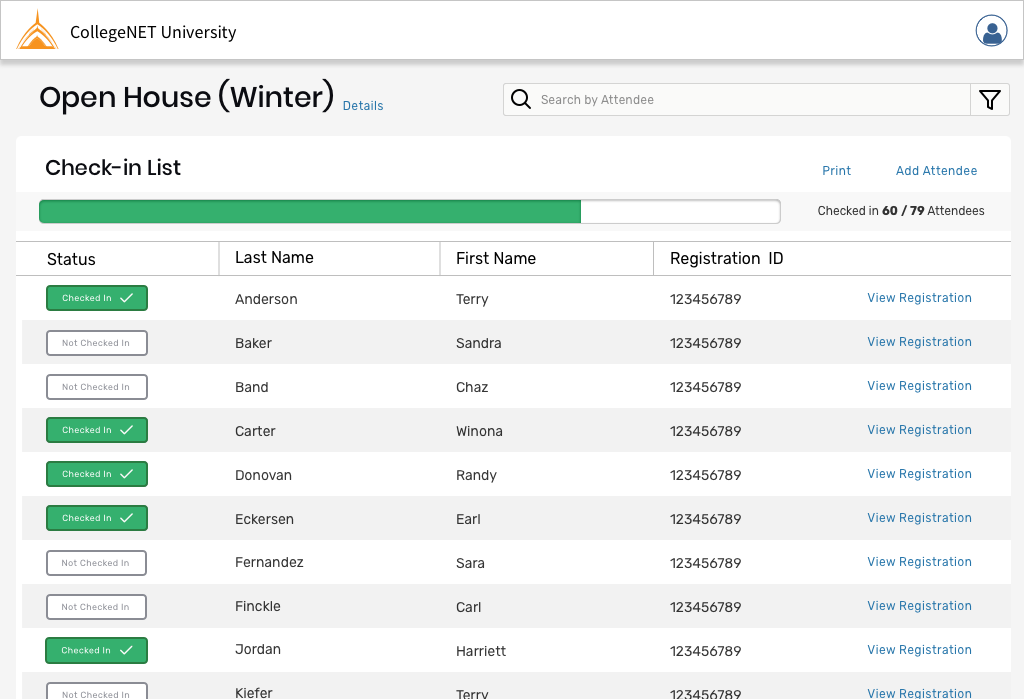
- Facilitators need the attendee list at the event and a way to mark people as attended.
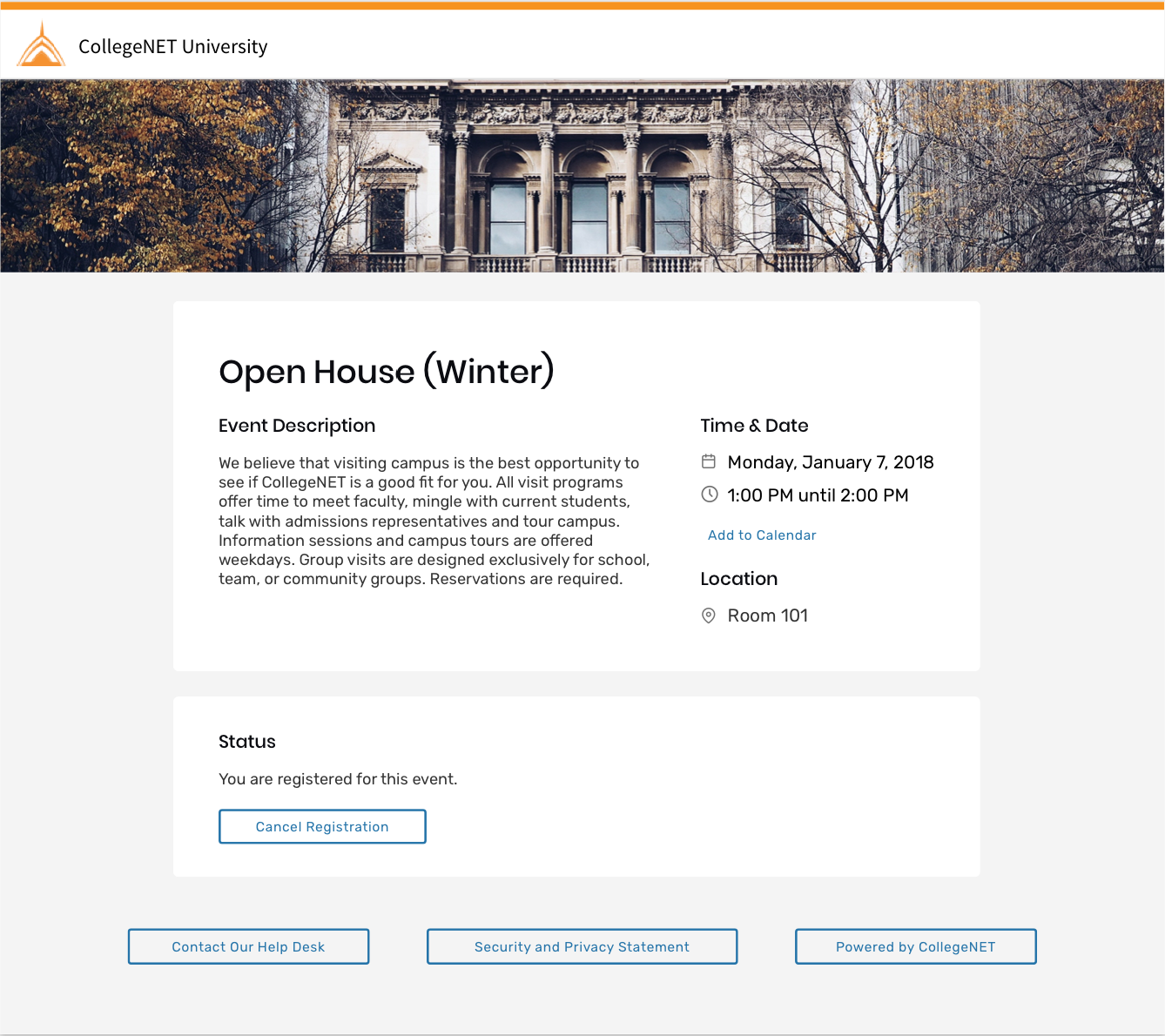
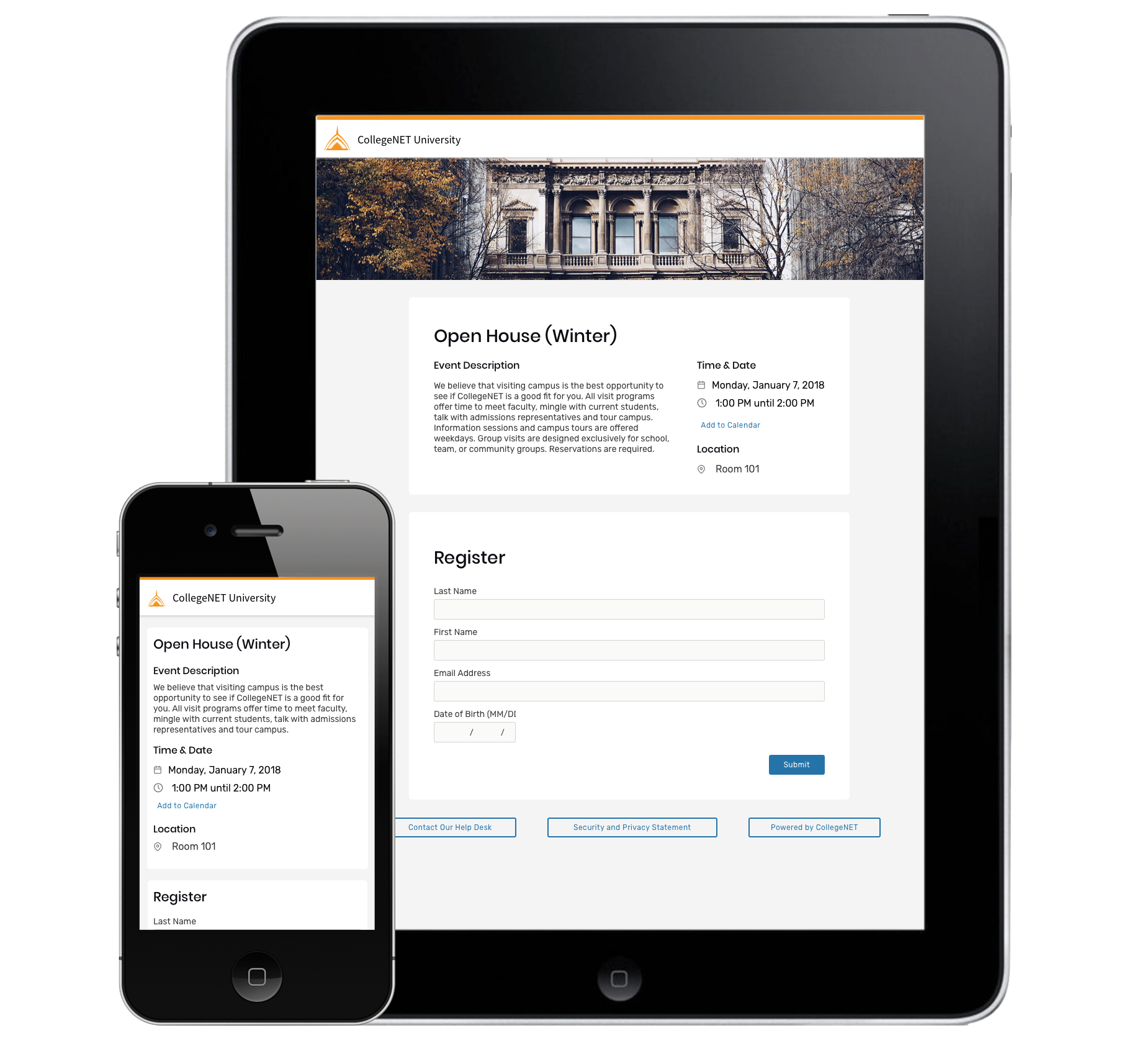
- Attendees are prospective students who need to find events, register, get reminders, and have all the information they need in a timely way.
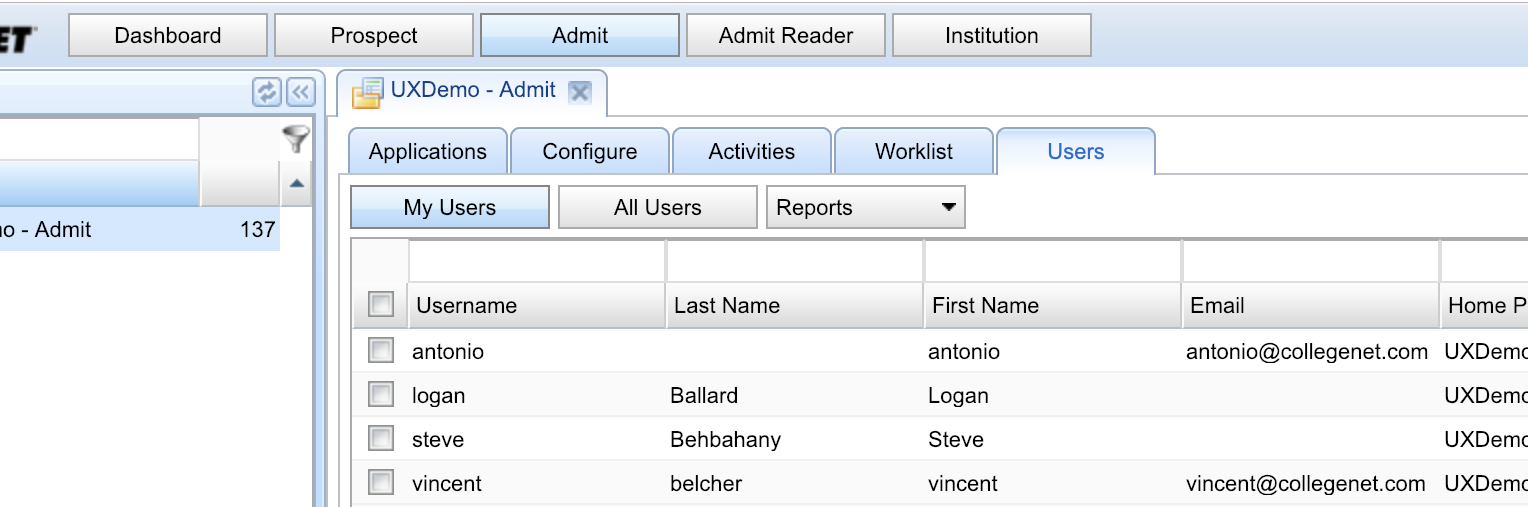
Design Process
Requirements: I gathered user stories and use cases with the product manager and internal stakeholders to define a rough scope, then vetted it over a few rounds, ideally (but not always) followed by research to validate the direction.
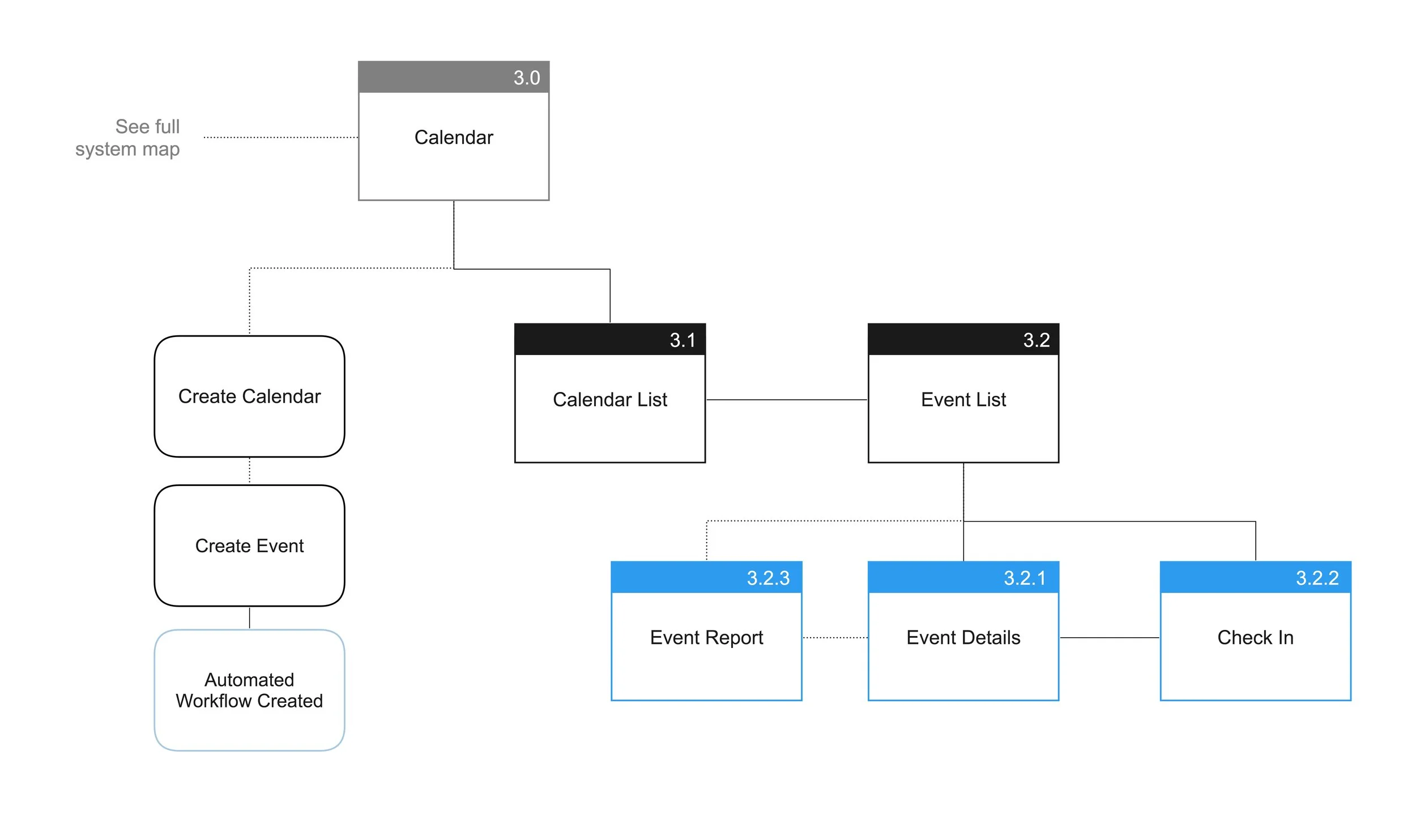
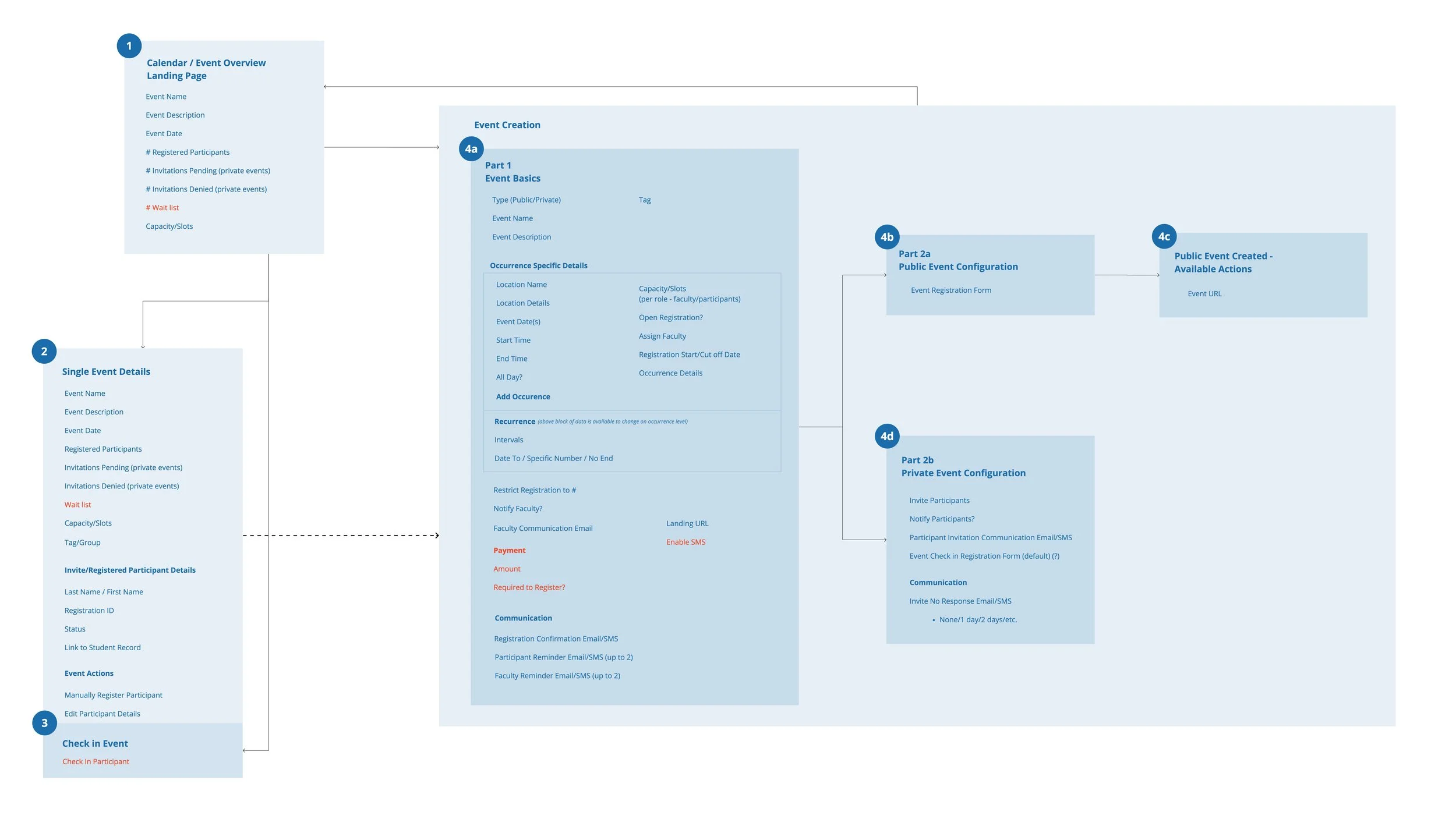
Scoping: Once we knew what the fully featured version would look like, we defined V1 with the product manager and checked the use cases with a few clients.
Wireframes: After sign-off from stakeholders and the tech team, I wireframed the interface, ran internal usability tests with account managers, and started documentation so decisions weren’t lost.
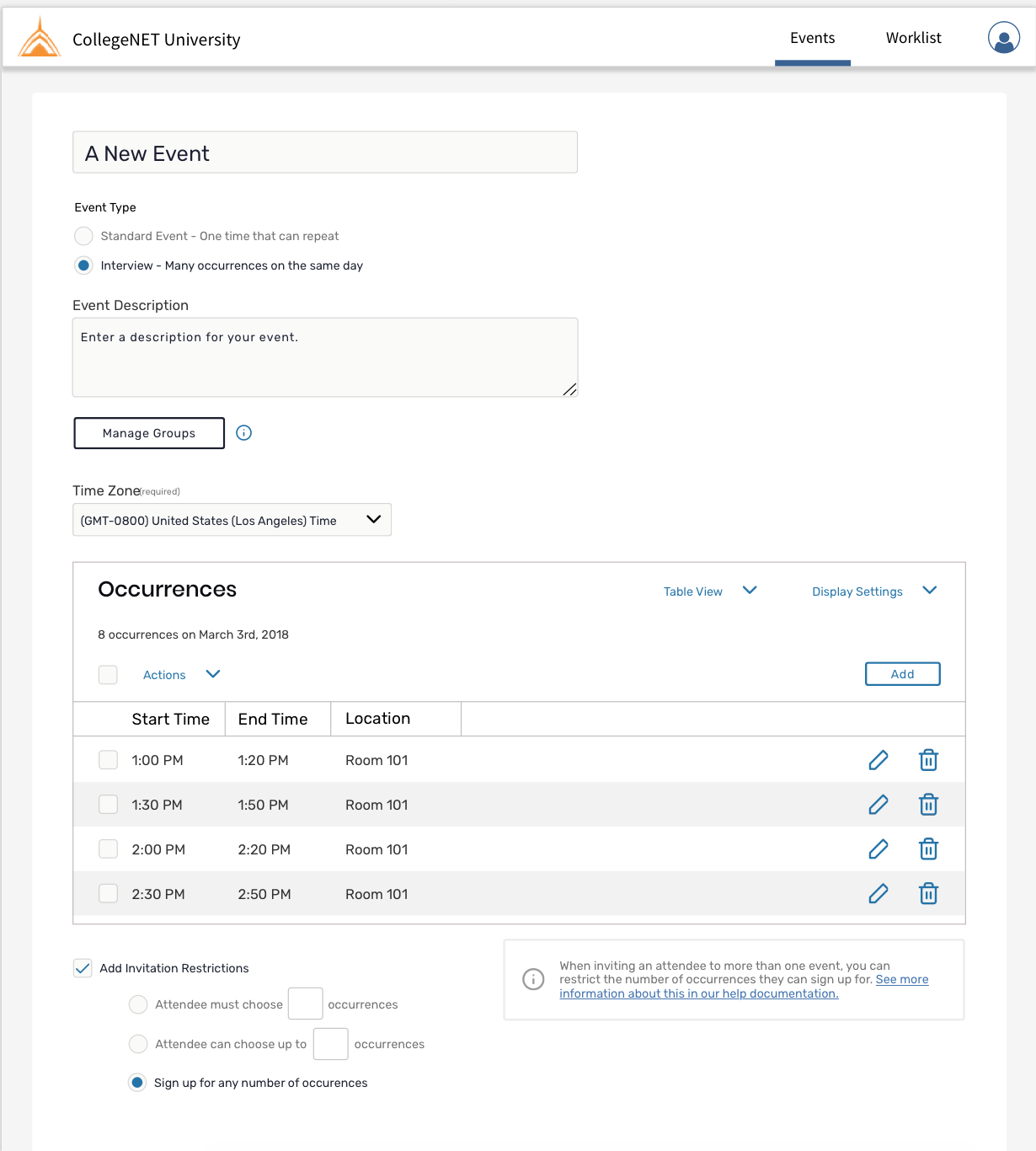
Final designs & pattern library: Final designs went to the developers in an official handoff.
Outcome
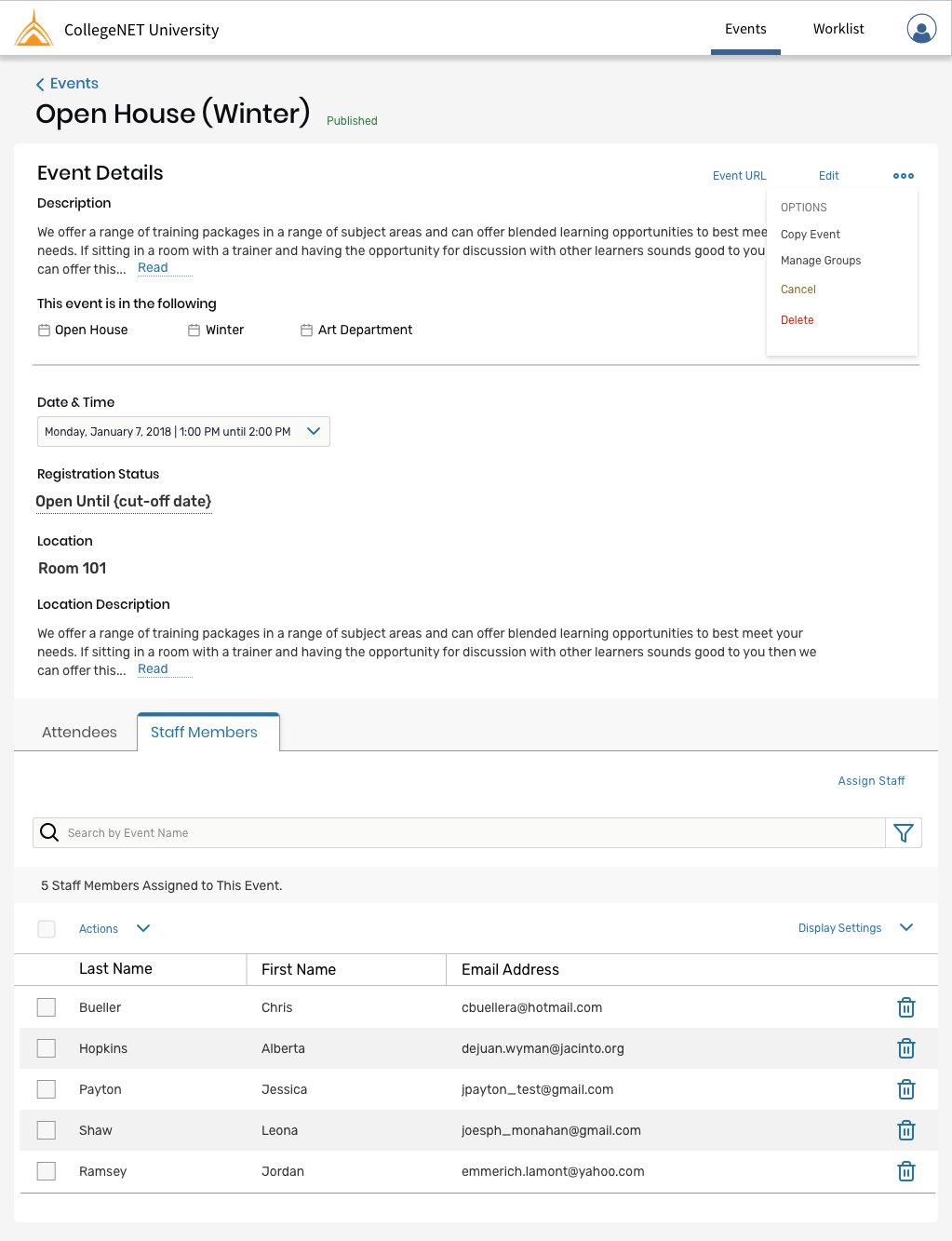
The result was a fully working event service: clients set up an event, post it and invite facilitators, and all the communications are automated. We got a lot of great feedback from clients and started seeing event feeds on their websites within the first month or two of launch.
Issues Faced
- Without the invitation side of the feature it wasn’t as complete as it should have been, and we couldn’t return to it for 6 months or more.
- Against our better judgement, we made configuration a single page. It was too long and overwhelming, and should have been step-by-step.
- For events with multiple occurrences, it was confusing what belonged to the event as a whole (the name) versus a single occurrence (the date). We iterated on this afterward.